
Where Do I Enter a Promo Code On CheapOair?
We’ve posted tutorials below for each of the booking options on Cheapoair:
How to use a Hotel coupon
How to use a Flight + Hotel coupon
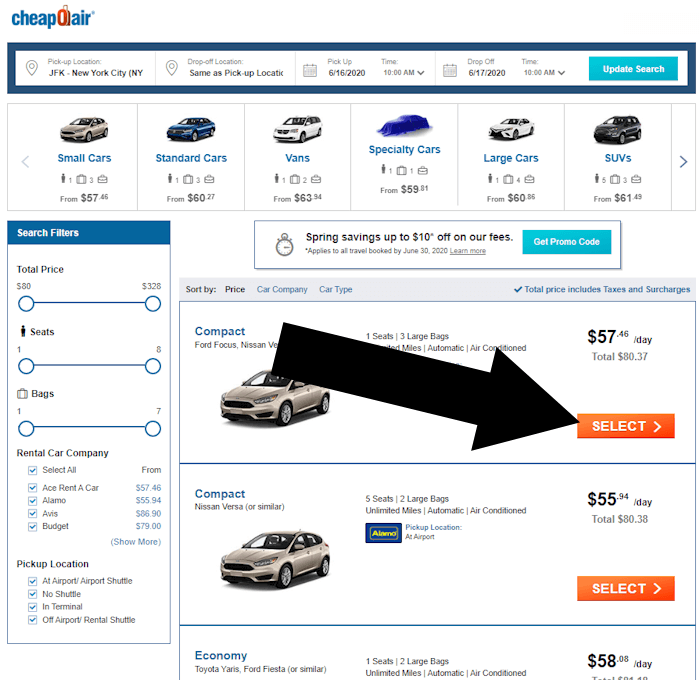
How to use a Car Rental coupon
How to use a Flight coupon
How to Redeem a CheapOair Hotel Coupon
Step 1: Use the correct starting point
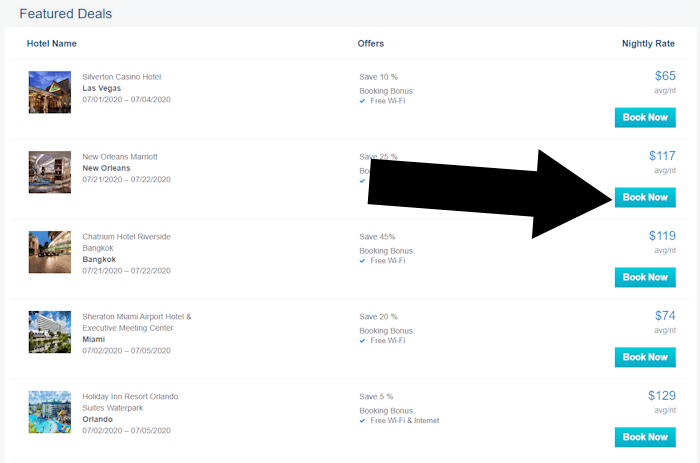
To redeem a hotel coupon on Cheapoair, you need to use a specific entry page located here.
Step 2: Choose a hotel
From the hotels listed on that page, choose a hotel and click BOOK NOW
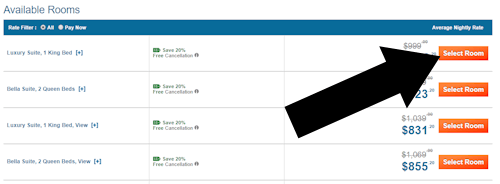
Step 3: Select a room
Go through your options to decide which room best suits your needs. Then use the orange button with the text ‘Select room’
How to Use a CheapOair Package Vacation Coupon
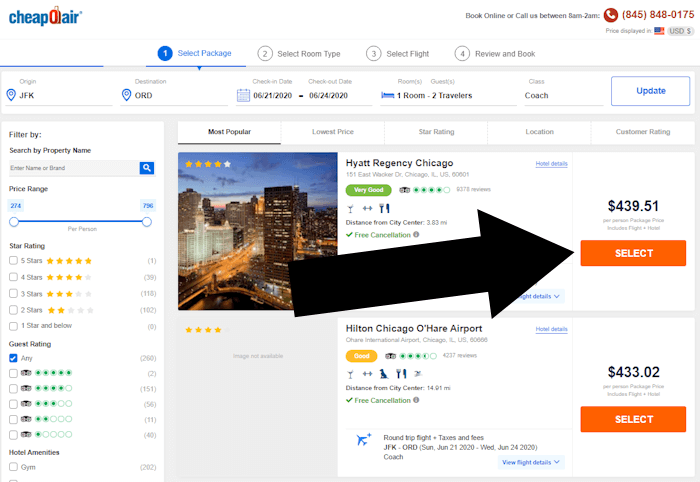
Step 1: Select a Hotel
For a package vacation, first select the hotel and use the orange button with the anchor text ‘Select’.
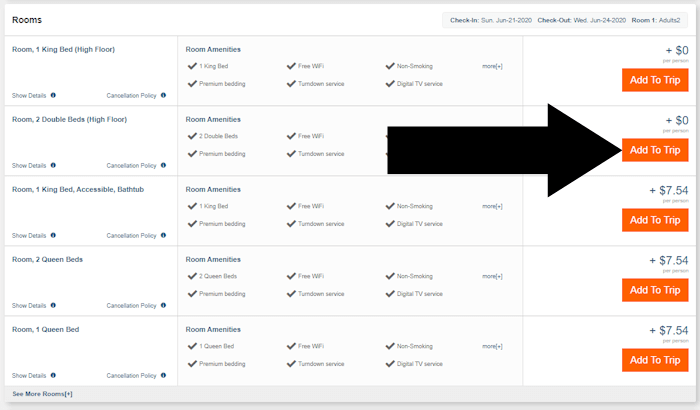
Step 2: Choose a Room
Step 3: Pick Flights
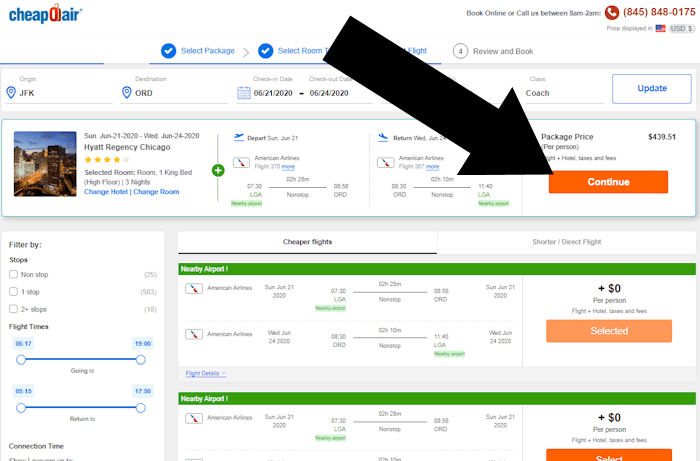
How to Use a CheapOair Flight Coupon
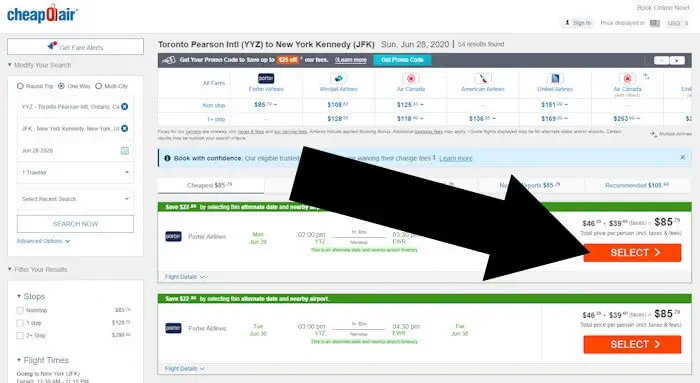
Step 1: Select a Flight
Review the flight options available, and select your preferred flights using the orange button.
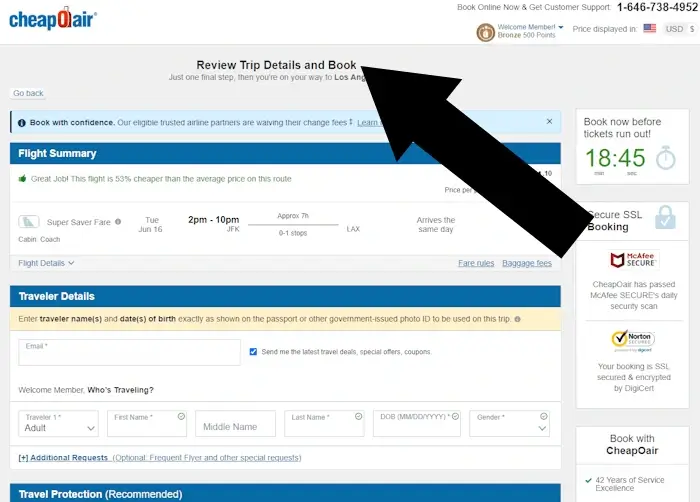
Step 2: Navigate to ‘Review Trip’
Coupon Overview
Redeeming coupons varies by what you book. So whether it’s a flight, hotel, or rental – pick the right tuturial to follow. For a hotel, enter it on the ‘PAYMENT INFORMATION’ page. For a package vacation, it’s applied on the ‘REVIEW AND BOOK’ page. In the case of a flight, look in the ‘Price Details’ section before payment information is entered. And finally, for a car rental it’s redeemed under ‘Rate Details’.